
REFURBING · REFURBISHED PRINTERS
Refurbished multifunction printers
Print, copy and scan with a single device. Compare refurbished multifunction printers by paper size and colour and choose the configuration for your office.
See all modelsModels in this category
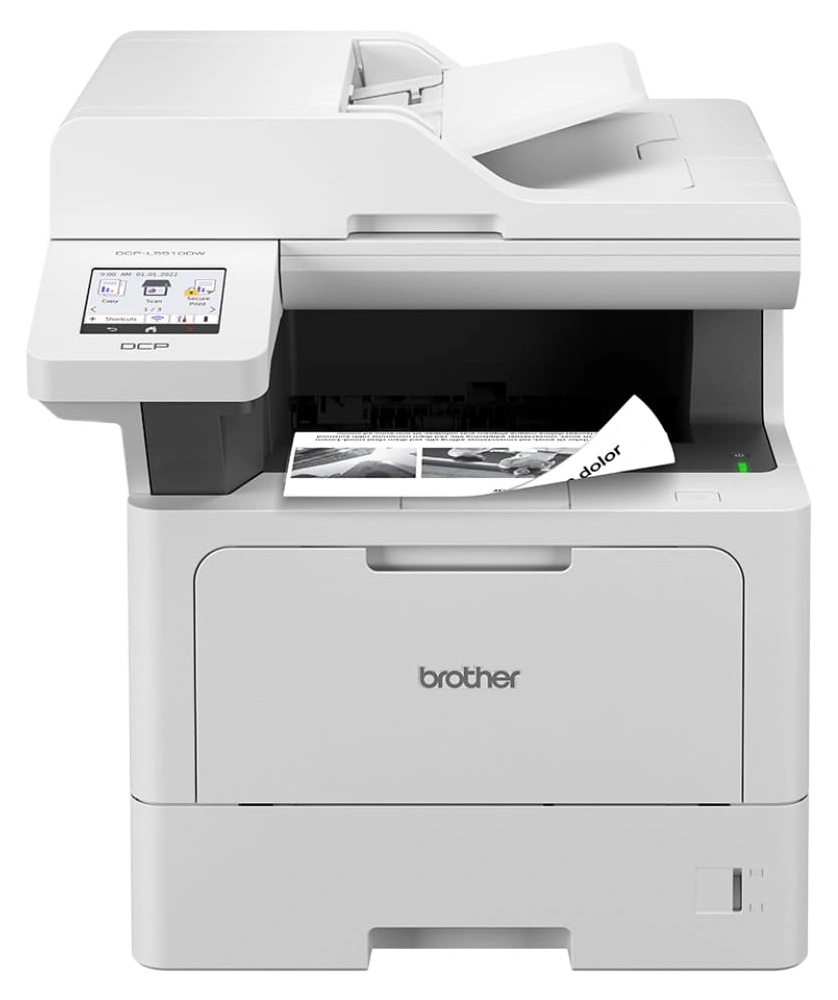 1 available-5%
A4 black-and-white multifunction printers
Brother DCP-L5510DW
Refurbished · Print · Copy · Scan · 48 ppm · Ethernet · Wi-Fi
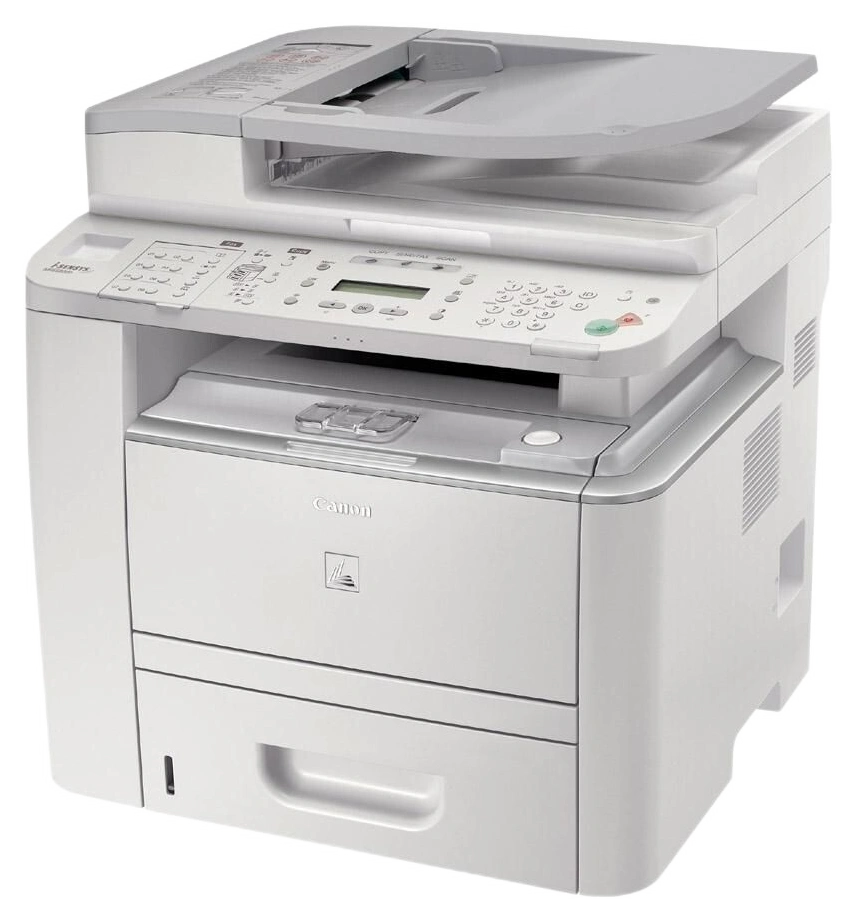 1 available-5%
A4 black-and-white multifunction printers
CANON imageRUNNER 1133iF
Refurbished · Print · Copy · Scan · Ethernet
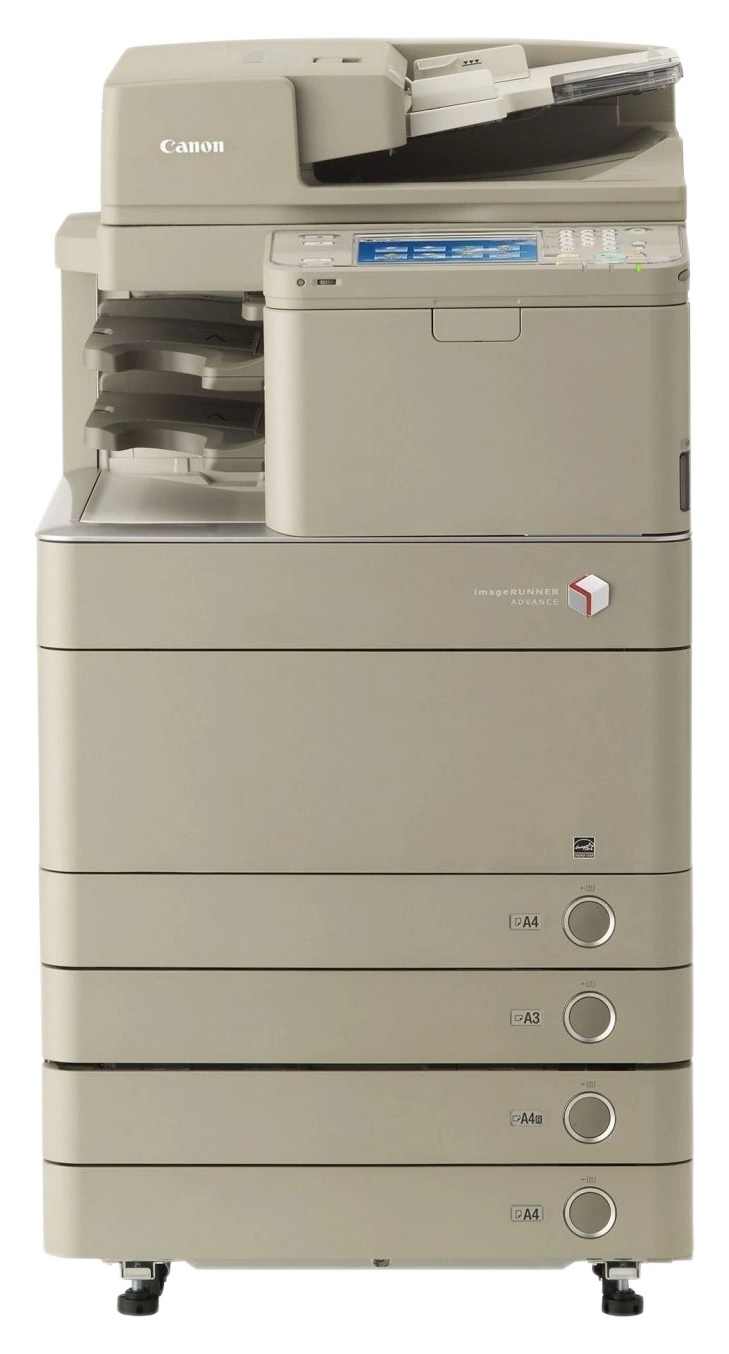 1 available-5%
A3 colour multifunction printers
CANON imageRUNNER ADVANCE C5235i
Refurbished · Print · Copy · Scan · Ethernet
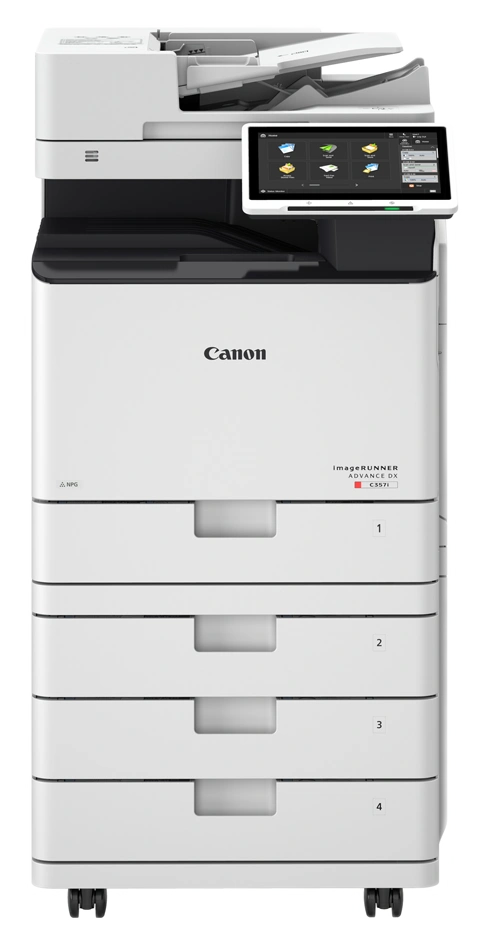 2 available-5%
A4 colour multifunction printers
CANON imageRUNNER ADVANCE DX C257i
Refurbished · Print · Copy · Scan · 25 ppm · Ethernet · Wi-Fi
 1 available-5%
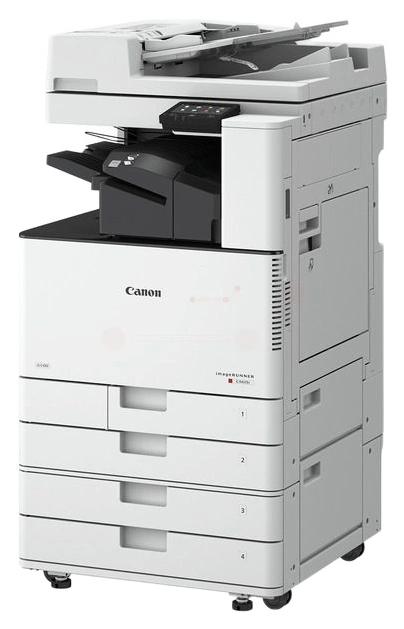
A3 colour multifunction printers
CANON ImageRunner C3125i
Refurbished · Print · Copy · Scan · 25 ppm · Ethernet · Wi-Fi
 1 available-5%
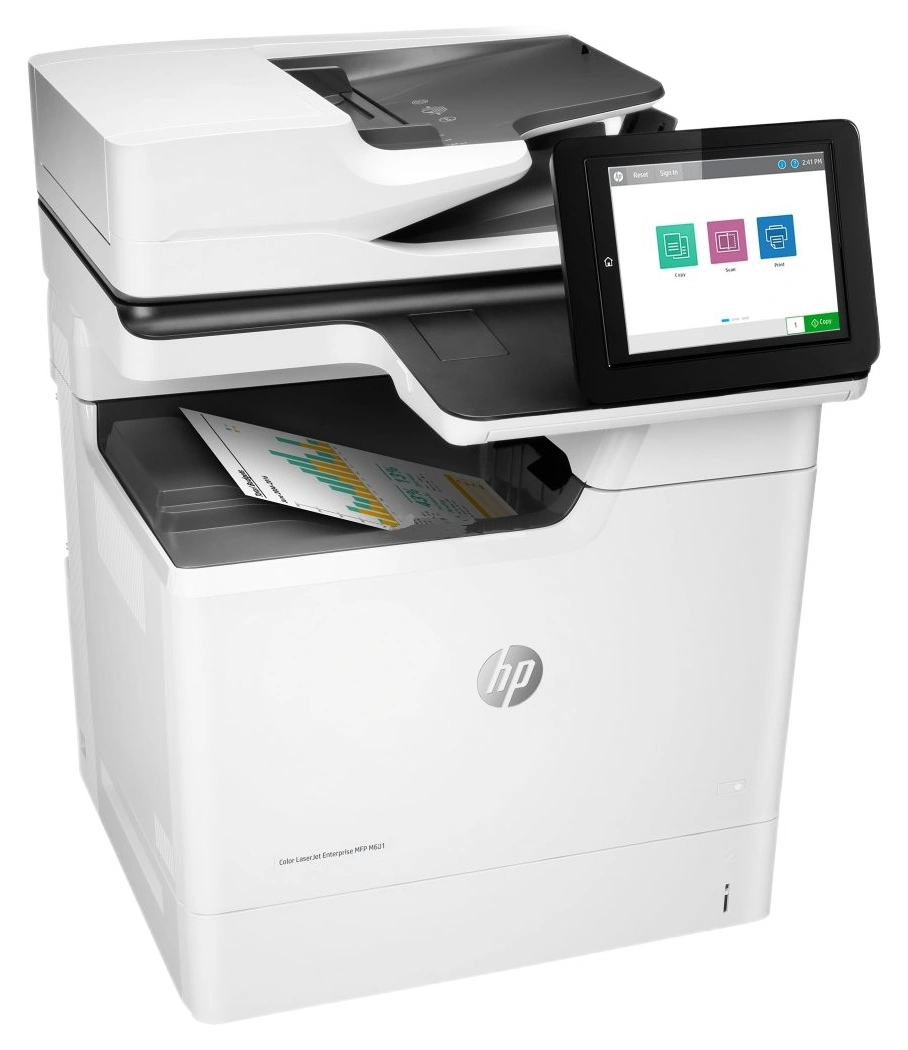
A4 black-and-white multifunction printers
HP LaserJet Enterprise M631
Refurbished · Print · Copy · Scan · 52 ppm · Ethernet
 7 available-5%
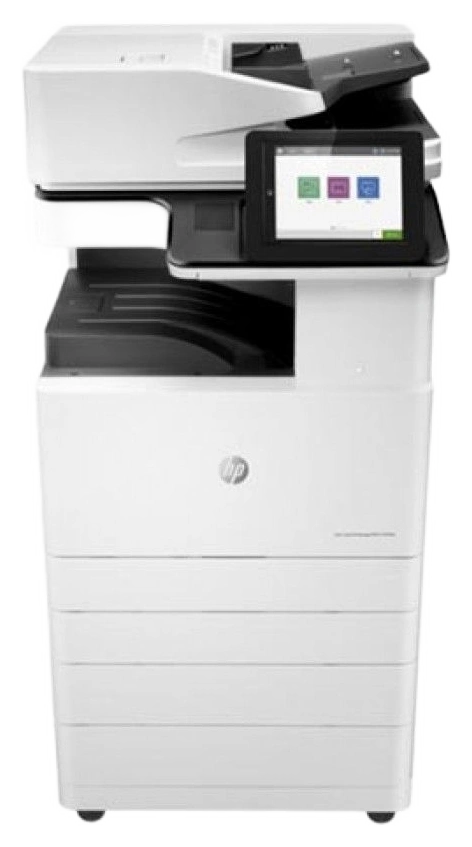
A3 black-and-white multifunction printers
HP LaserJet Managed MFP E72530dn
Refurbished · Print · Copy · Scan · 30 ppm · Ethernet
 1 available-5%
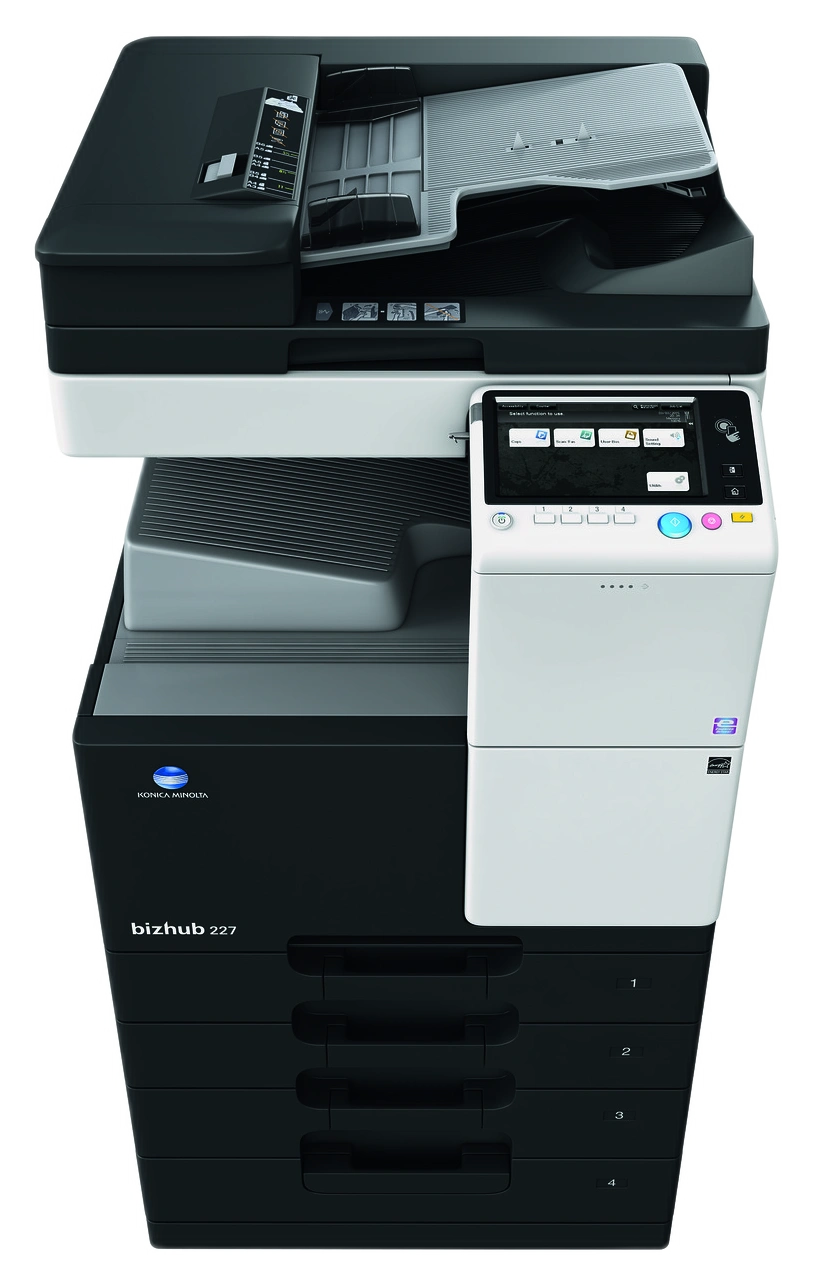
A3 black-and-white multifunction printers
KONICA MINOLTA bizhub 308e
Refurbished · Print · Copy · Scan · 30 ppm · Ethernet
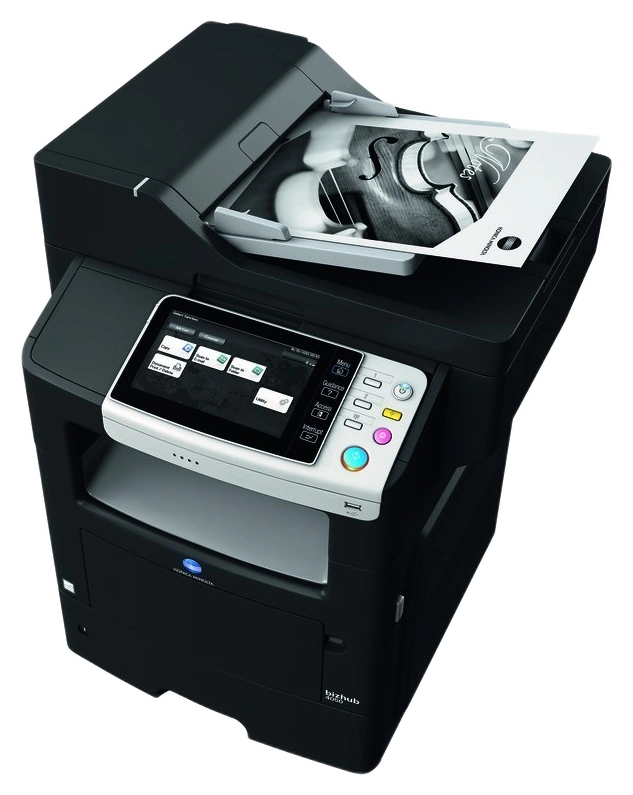 1 available-5%
A4 black-and-white multifunction printers
KONICA MINOLTA bizhub 4050
Refurbished · Print · Copy · Scan · 40 ppm · Ethernet
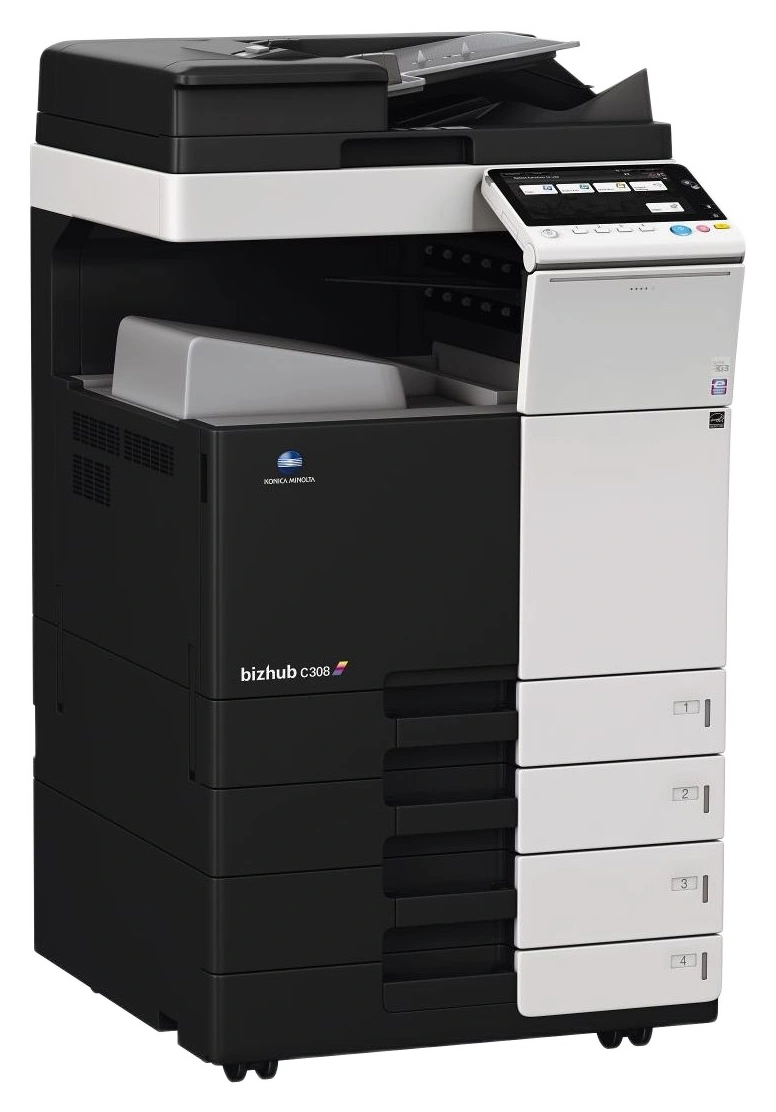 1 available-5%
A3 colour multifunction printers
KONICA MINOLTA bizhub C258
Refurbished · Print · Copy · Scan · 25 ppm · Ethernet
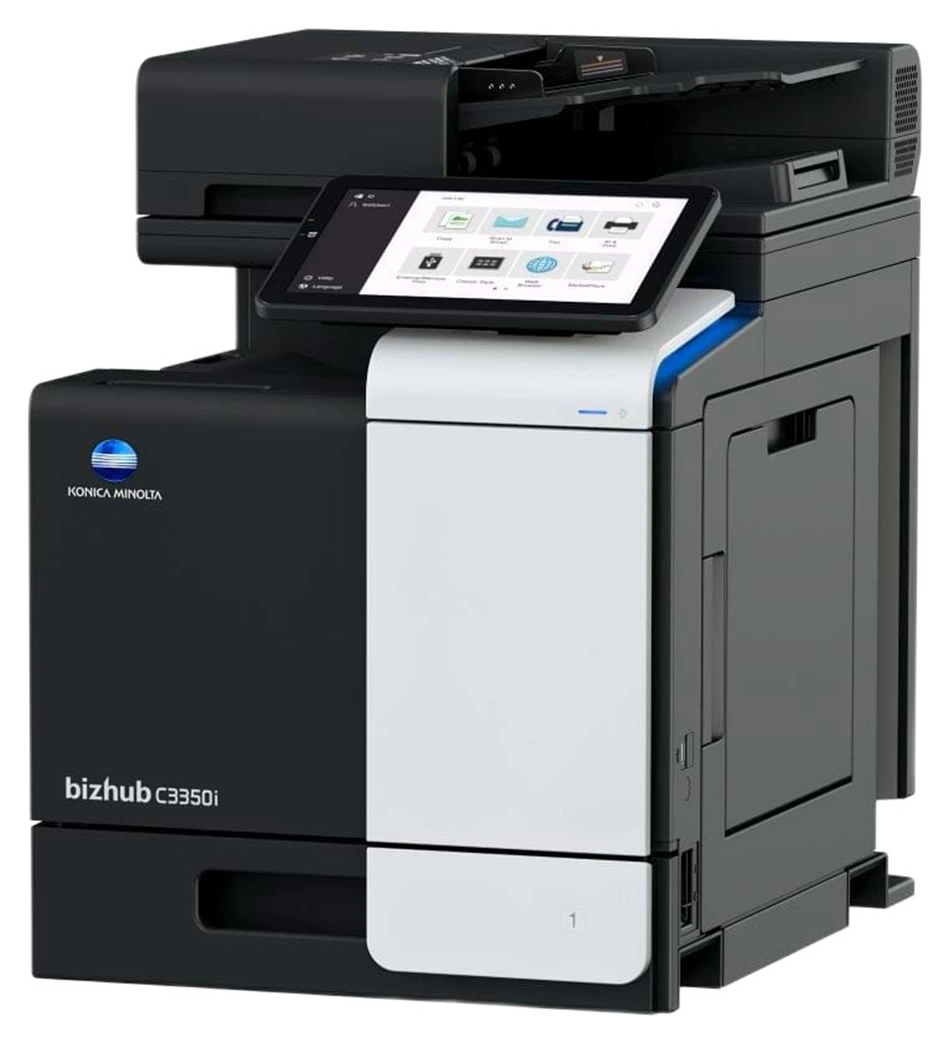 4 available-5%
A4 colour multifunction printers
KONICA MINOLTA bizhub C3350i
Refurbished · Print · Copy · Scan · 33 ppm · Ethernet
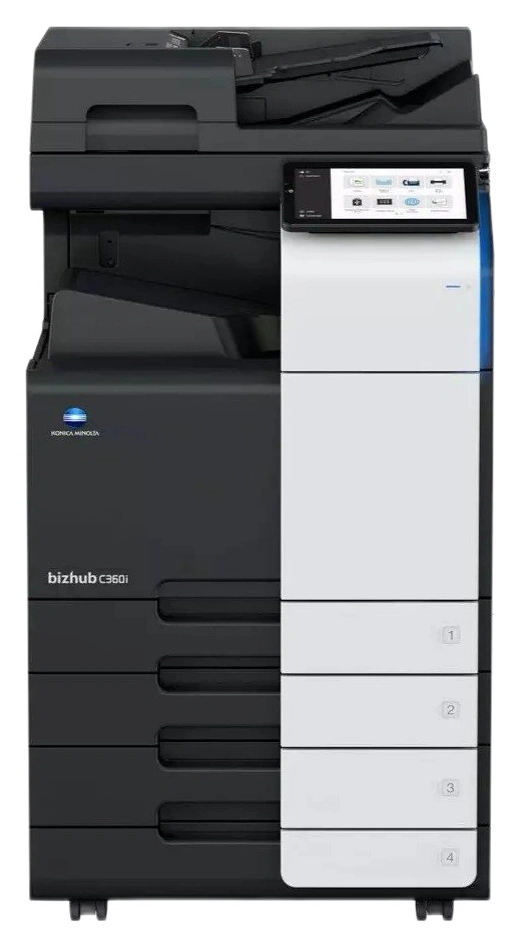 1 available-5%
A3 colour multifunction printers
KONICA MINOLTA bizhub C360i
Refurbished · Print · Copy · Scan · 36 ppm · Ethernet
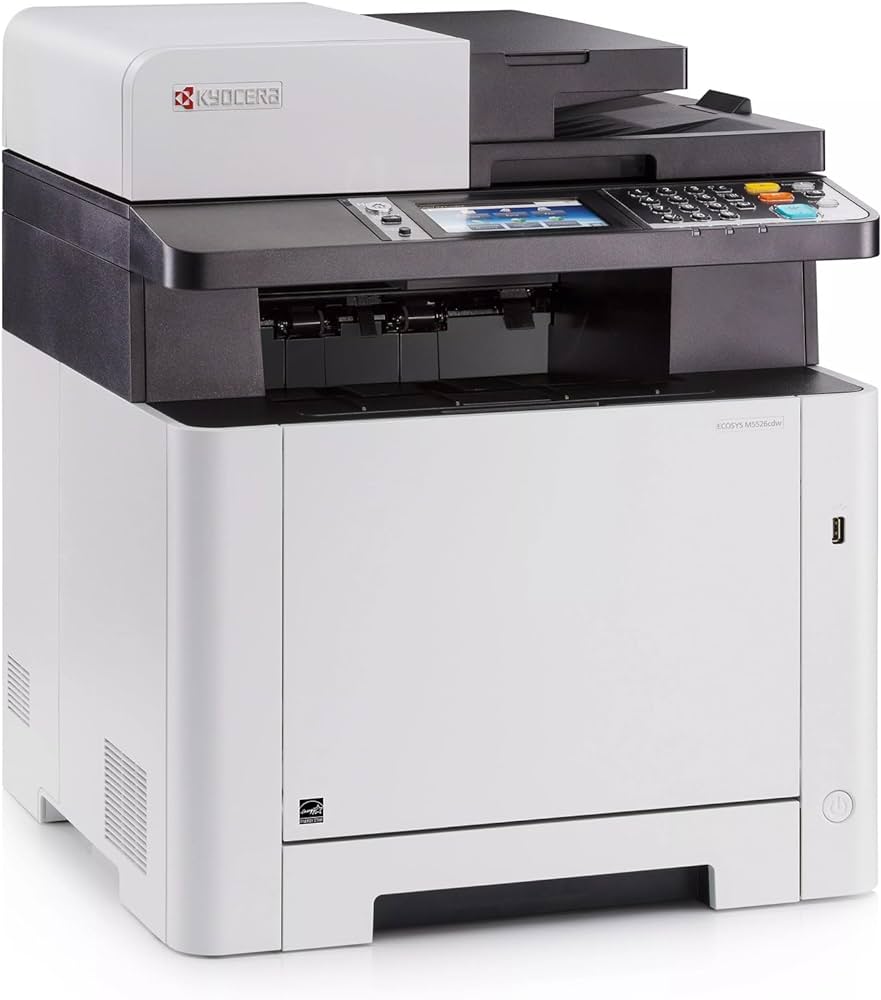 2 available-5%
A4 colour multifunction printers
Kyocera ECOSYS M5526cdn
Refurbished · Print · Copy · Scan · 26 ppm · Ethernet
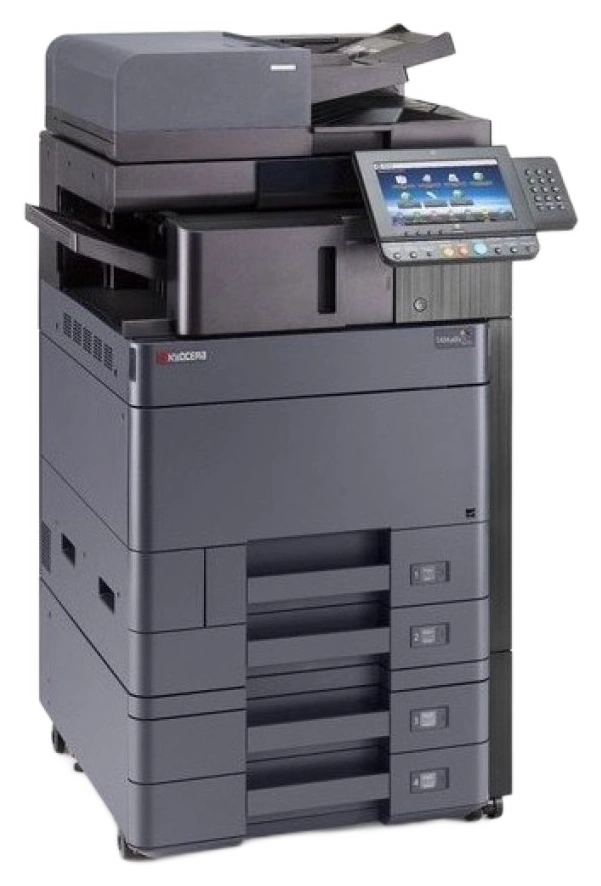 11 available-5%
A3 colour multifunction printers
Kyocera TASKalfa 2553ci
Refurbished · Print · Copy · Scan · Ethernet
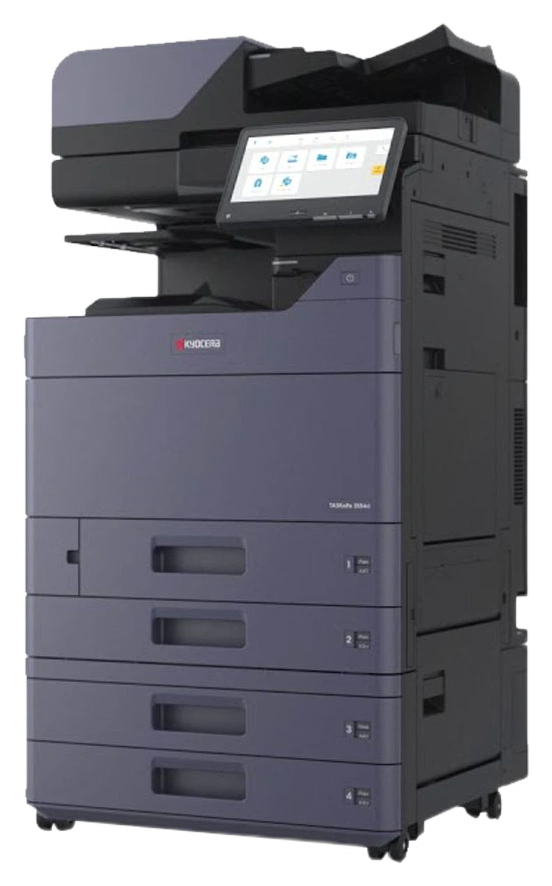 3 available-5%
A3 colour multifunction printers
Kyocera TASKalfa 2554ci
Refurbished · Print · Copy · Scan · 25 ppm · Ethernet
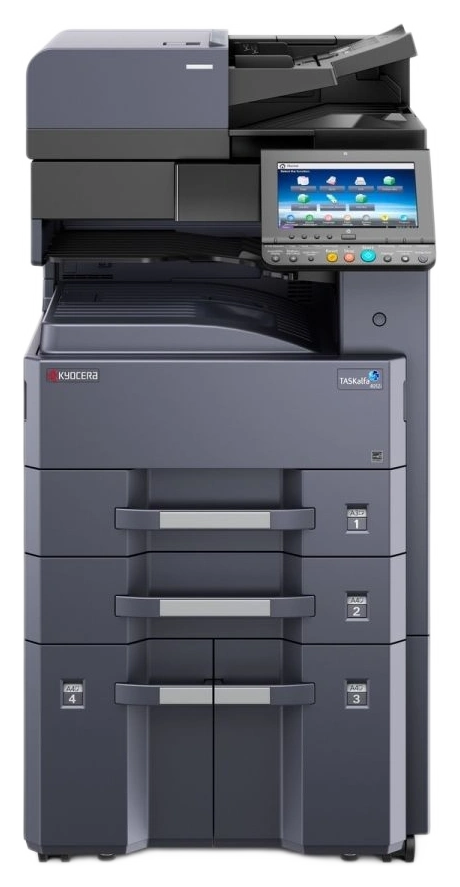 1 available-5%
A3 black-and-white multifunction printers
Kyocera TASKalfa 3212i
Refurbished · Print · Copy · Scan · 32 ppm · Ethernet
2 available-5%A3 colour multifunction printers
Kyocera TASKalfa 3253ci
Refurbished · Print · Copy · Scan · 32 ppm · Ethernet
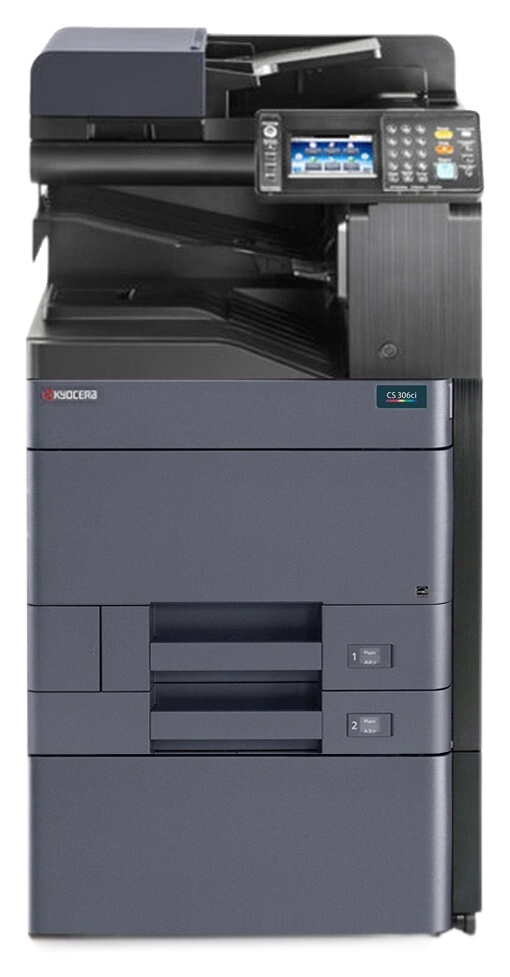 5 available-5%
A4 colour multifunction printers
Kyocera TASKalfa 356ci
Refurbished · Print · Copy · Scan · 35 ppm
34 available-5%A3 colour multifunction printers
Kyocera TASKalfa 4052ci
Refurbished · Print · Copy · Scan · 40 ppm · Ethernet
5 available-5%A3 colour multifunction printers
Kyocera TASKalfa 4053ci
Refurbished · Print · Copy · Scan · Ethernet
1 available-5%A3 colour multifunction printers
Kyocera TASKalfa 5052ci
Refurbished · Print · Copy · Scan · 50 ppm · Ethernet
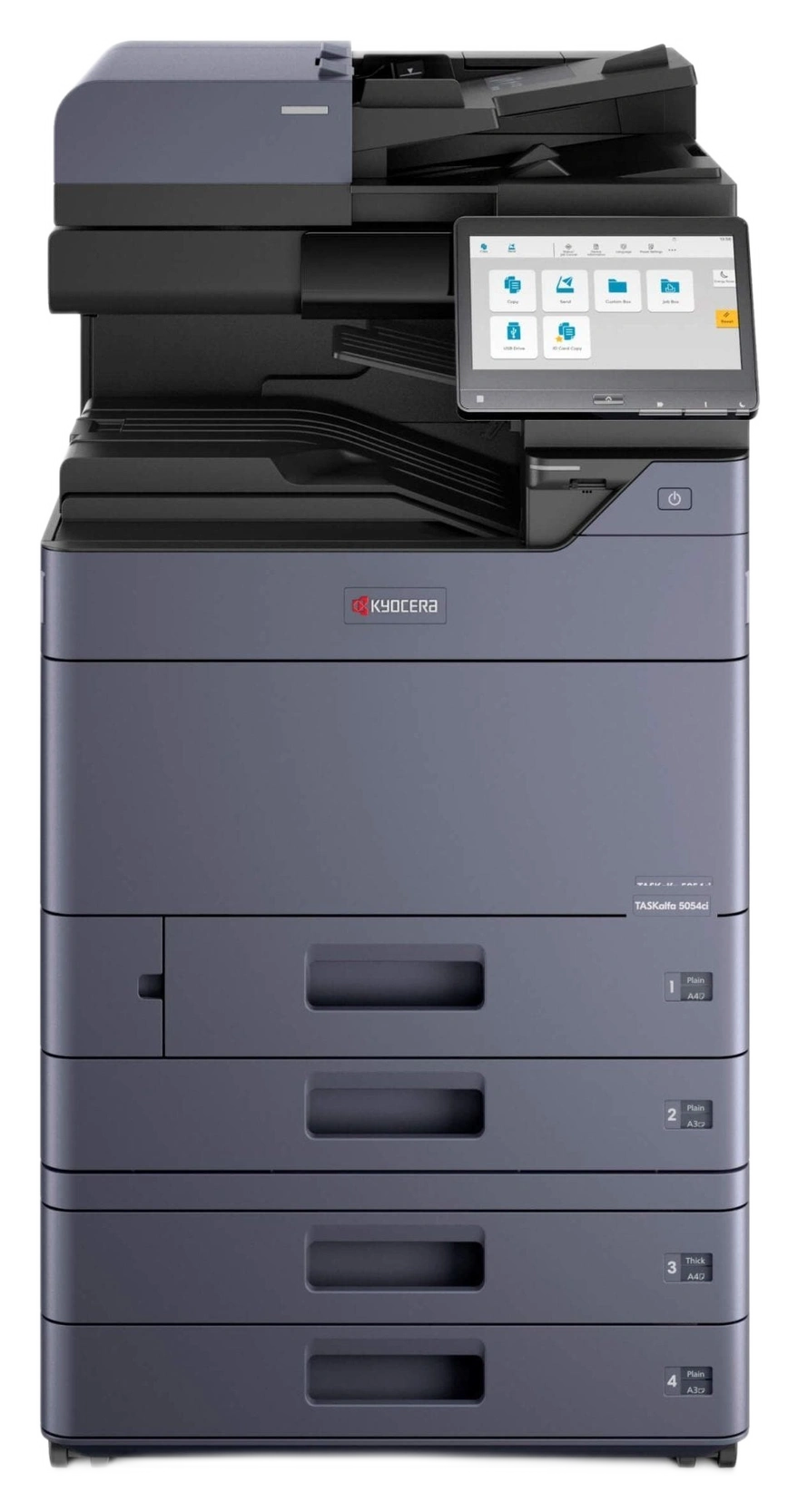 16 available-5%
A3 colour multifunction printers
Kyocera TASKalfa 5053ci
Refurbished · Print · Copy · Scan · 50 ppm · Ethernet
1 available-5%A3 colour multifunction printers
Kyocera TASKalfa 5054ci
Refurbished · Print · Copy · Scan · Ethernet
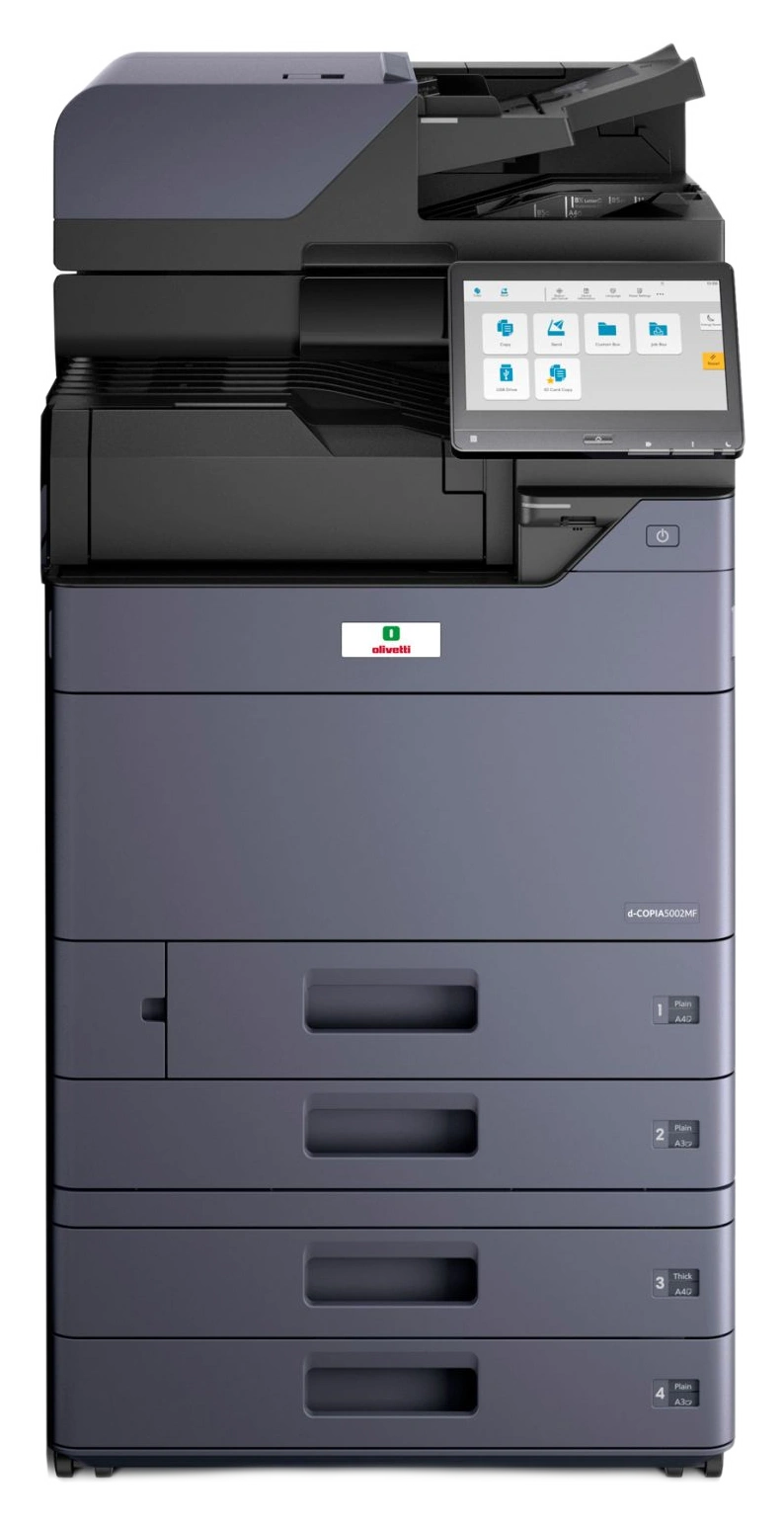 29 available-5%
A3 black-and-white multifunction printers
Kyocera TASKalfa 6003i
Refurbished · Print · Copy · Scan · 60 ppm · Ethernet
BUYING GUIDE
One machine, more everyday tasks
Multifunction printers combine several functions in one device, helping you manage paper and digital documents. Start with the paper sizes you use, your workload and scanning needs.
Have a question about functions or configuration? Talk to our team.
Frequently asked questions
Which functions should I check?
Check printing, copying, scanning, the document feeder, network connection and duplex functions in the model specifications. Fax, Wi-Fi and accessories depend on configuration and should not be assumed to be included.
How do page-count bands work?
On each model page, offers are grouped by counter range. Each band shows available quantities and prices. The counter indicates machine usage: consider it alongside condition and configuration.
Why are unavailable models also shown?
We keep model pages so you can consult their information and features. We indicate when no offers are available: a model page does not mean the product can currently be purchased.